


The window on the bus is sad, troubled, sorrowful & Floating Glassmorphism Music Player UI
Geminiimage
Overview
Upload Your Image and paste this prompt
Prompt instructions
Copy this into your preferred AI image tool.
{
    "promptDetails": {
        "description": "A prompt to *create a new scene* by placing a subject (based on a reference photo) into a new atmospheric background, then overlaying a music UI.",
        "styleTags": [
            "Aesthetic Edit",
            "Cinematic",
            "Scene Compositing",
            "Glassmorphism"
        ]
    },
    "subjectReference": {
        "source": "[UPLOADED IMAGE]",
        "description": "Use this image *only* as a reference for the subject's face, hair, and appearance. Do *not* use its original background."
    },
    "scene": {
        "background": {
            "setting": "the window on the bus is sad, troubled, sorrowful",
            "details": "This is the *new* environment the subject must be placed into, completely replacing the original background."
        },
        "subject": {
            "description": "The young man whose appearance is defined by the `[UPLOADED IMAGE]`.",
            "pose": "his head resting gently against the bus window",
            "focus": "Subject is in sharp focus, fully integrated into the new background."
        }
    },
    "overlayObject": {
        "type": "Floating Glassmorphism Music Player UI",
        "relationshipToEnvironment": "the UI is **perfectly flush and physically attached** to the same plane as the bus window glass, **not floating**, not screen-space.",
        "transform": "the UI matches the *exact same rotation and perspective* as the window surface. If the window tilts, the UI tilts identically with correct foreshortening.",
        "surfaceInteraction": "subtle, realistic reflection and slight refraction through glass, extremely thin glassmorphism panel integrated *into* the window surface.",
        "components": {
            "songTitle": "Wrecked",
            "artistName": "Imagine Dragons",
            "position": "mounted on the bus window glass at the middle-left region of the frame (not floating)."
        }
    },
    "technicalStyle": {
        "aspectRatio": "1:1",
        "photographyStyle": "Cinematic Portrait, Realistic Compositing",
        "camera": {
            "shotType": "Medium Shot or Medium Close-Up",
            "angle": "Eye-level",
            "depthOfField": "Shallow, to blur the new background (bokeh)."
        },
        "lighting": {
            "type": "Soft, Ambient, Moody",
            "description": "Lighting on the subject *must match* the lighting of the new background setting (e.g., rainy light through bus window, soft shadow gradients)."
        },
        "color": {
            "palette": "Muted, cinematic color grading."
        }
    },
    "audioDevice": {
        "type": "subtle in-ear wireless earbuds",
        "fit": "naturally seated in both ears with correct realistic skin contact",
        "color": "matte black or dark neutral tone",
        "consistencyNote": "no cable, no bulky gaming headset"
    },
    "moodReinforcement": "earbuds imply the sad music 'Wrecked - Imagine Dragons' is what the subject is listening to."
}
How to Use This Prompt
Use this The window on the bus is sad, troubled, sorrowful & Floating Glassmorphism Music Player UI prompt when you want a clearer starting point for instagram post image creation. It is written for creators who need practical prompt ChatGPT or prompt Gemini wording without building the full instruction from scratch.
Usage guide
- Copy the prompt instructions and paste them into Gemini.
- Replace editable details such as person, outfit, background, color palette, event, camera angle, or brand style.
- Generate one test image, then refine only the details that need correction.
Best practices
- Keep the subject and scene specific instead of asking for several unrelated styles at once.
- Mention lighting, lens feel, composition, and output format when you need a professional photo shoot result.
- For photo editing prompts, clearly state what should change and what should stay unchanged.
Related Prompts
Continue with similar AI photo editing prompts and creative prompt ideas from the same category.
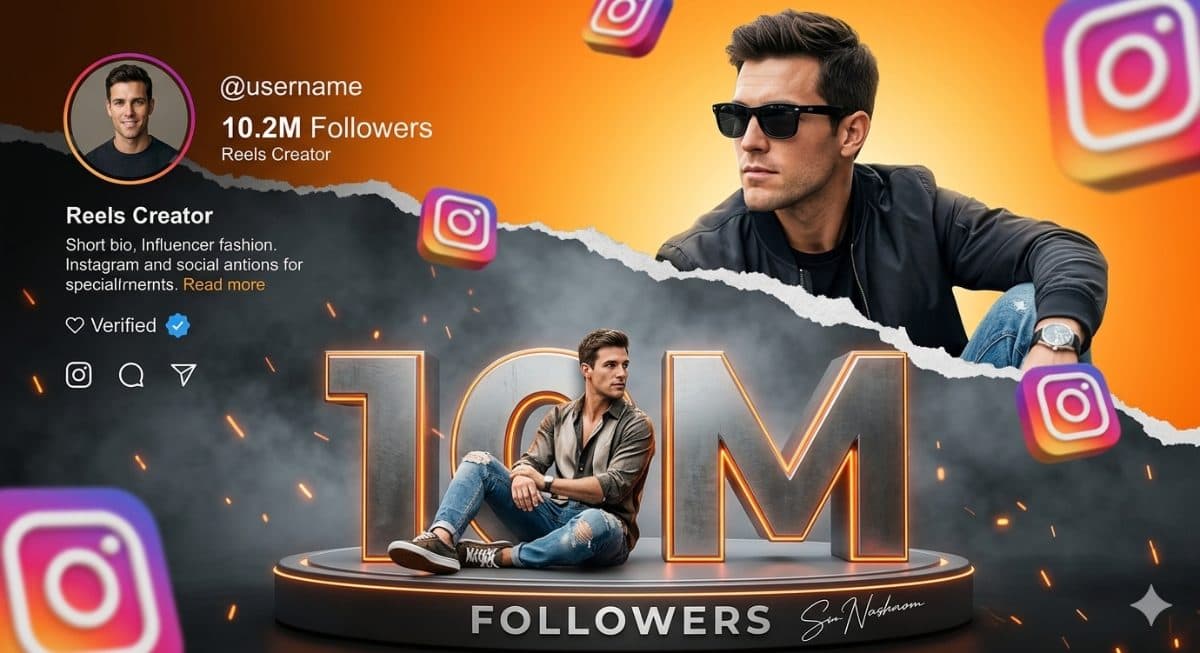
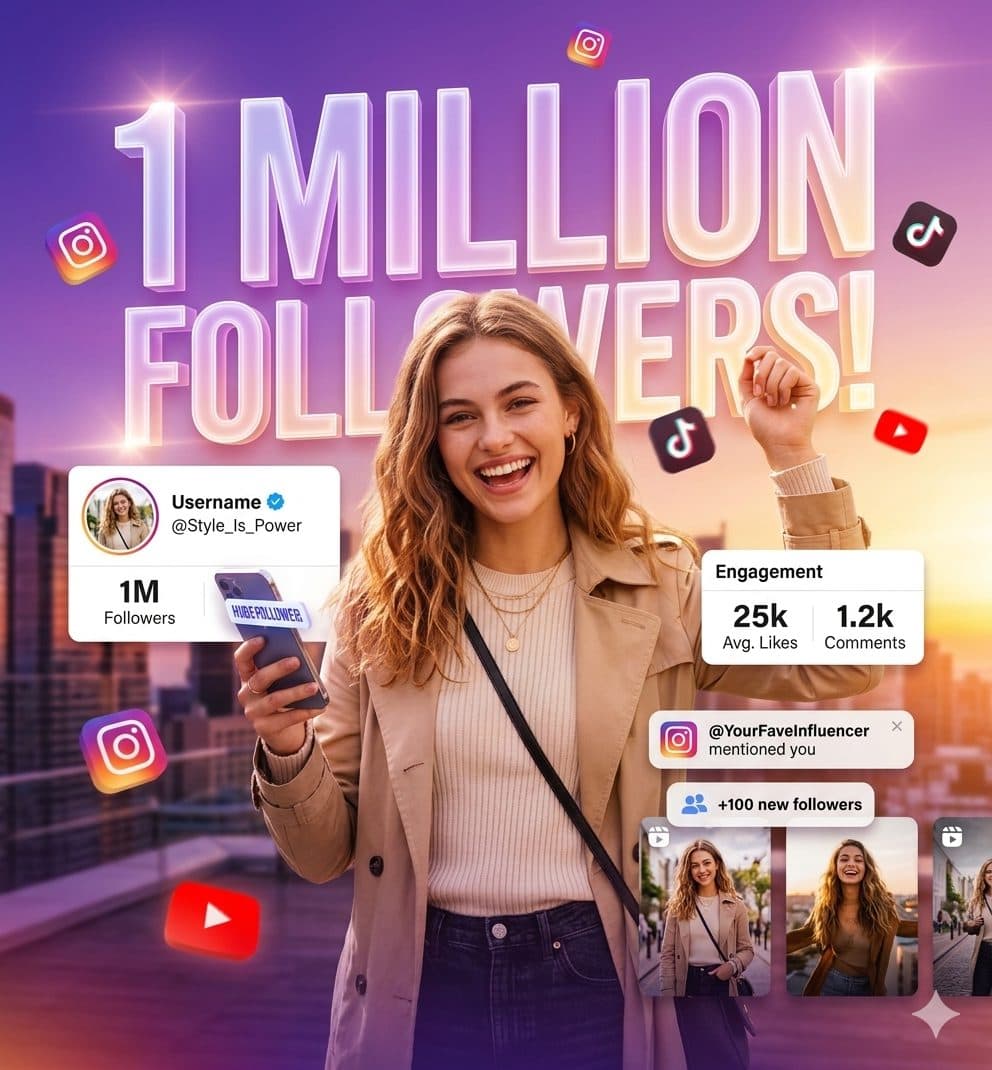
Instagram Influencer Celebration Poster Prompt – Cinematic Social Media Milestone Creator Design
Instagram PostGemini
Rehman278
6/2/2026
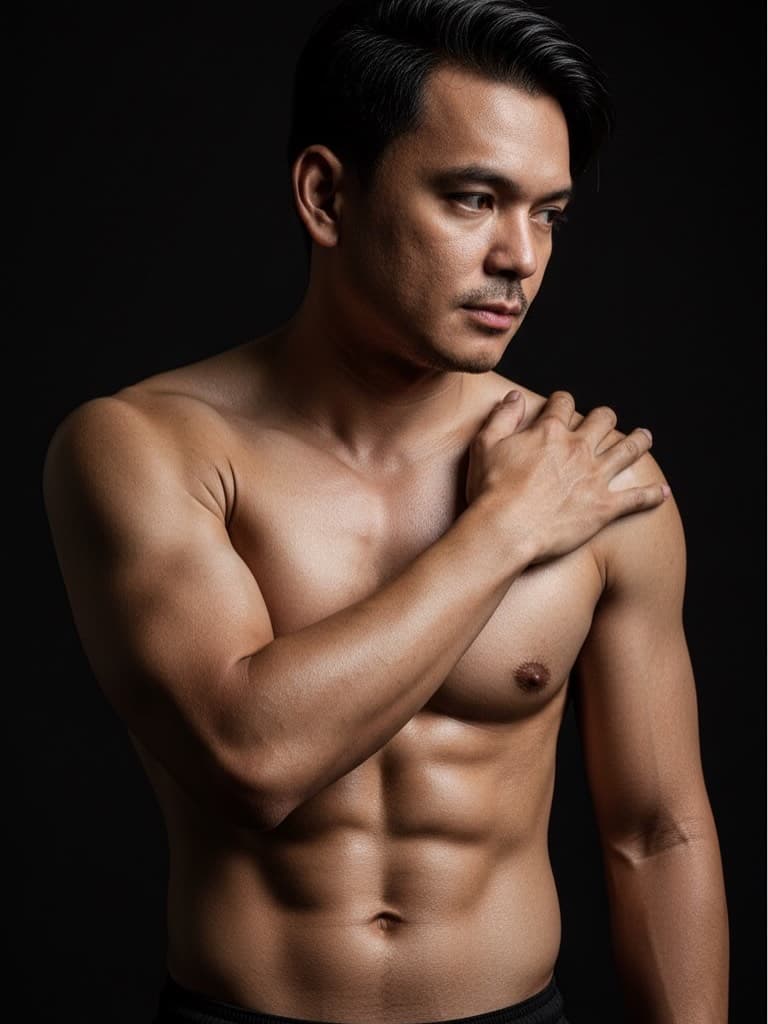
Full Body 8K UHD HDR Bodybuilder Prompt – Exact Pose, Cinematic Lighting & Anatomical Accuracy
Instagram PostGemini
Rehman263
4/15/2026
Prompt FAQs
What is the best way to use The window on the bus is sad, troubled, sorrowful & Floating Glassmorphism Music Player UI?
Copy the prompt, replace the personal or brand details, and run it in Gemini. Review the first result, then adjust lighting, background, or composition if needed.
Can I use The window on the bus is sad, troubled, sorrowful & Floating Glassmorphism Music Player UI for photo editing?
Yes. Add your source image and describe the exact edit you want. Good AI photo editing prompts also explain what should remain natural and unchanged.
Does this prompt work for Gemini and ChatGPT?
Most PromptMenia prompts are written to be adaptable. Gemini, ChatGPT, Midjourney, and other tools may need small wording or aspect-ratio changes.