

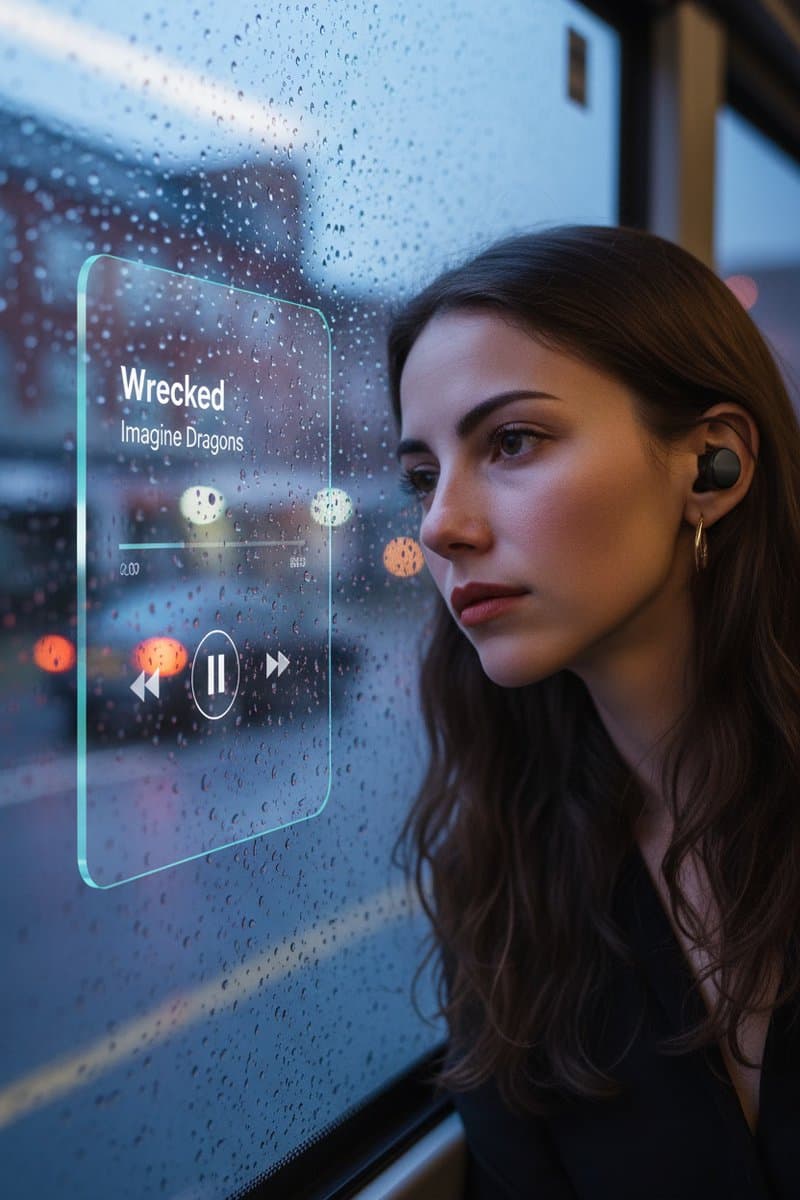
The window on the bus is sad, troubled, sorrowful & Floating Glassmorphism Music Player UI
Instagram PostGemini
Rehman3.4K
2/19/2026

Upload Your Image and paste this prompt
Copy this into your preferred AI image tool.
A photorealistic fashion upper body shot of [Character Description and expression] wearing [Detailed Outfit Description]. The subject is framed inside a central white Instagram-style post border.

Composition & Spacing: The white frame is perfectly centered in the middle of the image, leaving balanced empty [Soft Background Color matching the outfit] space above and below the frame to match the theme.

Frame Details: The top, left, and right white borders are very thin. The bottom white section is thicker to include UI elements. The bottom section features a red heart icon, comment bubble, share icon, and bookmark icon.

Text Details: Clearly visible text on the bottom panel: "[Number] likes", username "[Username]", caption "[Caption text]... more", and below that, "View all comments".

3D Pop-Out Effect & Hand Pose:
[CHOOSE ONE OF THE FOLLOWING ACTIONS OR DESCRIBE YOUR OWN ACTION:]
 1. (Grip): head and arms are physically popping out OVER the top and side thin borders. hands are realistically gripping the outer edges of the thin side borders, appearing to hold the frame firmly.
2. (Kiss): Her body is leaning forward towards the camera, creating a strong sense of depth. Her head remains securely framed WITHIN the top thin white border. Only her right hand, raised near her mouth in a blowing-kiss gesture, physically extends forward and breaks OUT of the thin side frame boundary. Her left hand realistically grips the side edge.
3. (Resting): She is looking directly at the camera with a gentle smile. Her head and shoulders physically pop out OVER the top thin white border. Crucially, her hands are realistically resting comfortably on top of the thicker bottom white UI panel, appearing to lean casually on the frame edge.
4. (Dynamic Frame): Her upper body and head remain secure WITHIN the boundaries of the white frame. However, both of her arms are fully extended outward dynamically, breaking past the thin borders up to her elbows, reaching straight toward the camera lens. She forms a distinct “L” shape with both hands, as if framing a scene. Due to perspective, her hands are positioned significantly closer to the camera than her face, showing strong spatial depth.

Subject Dimensionality & Texture: The subject must look like a solid, three-dimensional figure, not flat. Emphasize the detailed texture of the [Specific Fabric Name from outfit description], the contours of the face, and realistic hair details. She should have distinct depth separating her from the flat [Background Color] background.

Lighting & Shadows: Professional studio lighting creating soft, realistic drop shadows cast by the physical frame and, crucially, by the [popping-out elements, e.g., hands/head/arms] onto the solid flat [Background Color] background, enhancing the dramatic depth and illusion. High definition, commercial photography.
Use this A photorealistic fashion upper body shot Instagram Post prompt when you want a clearer starting point for instagram post image creation. It is written for creators who need practical prompt ChatGPT or prompt Gemini wording without building the full instruction from scratch.
Continue with similar AI photo editing prompts and creative prompt ideas from the same category.
Copy the prompt, replace the personal or brand details, and run it in Gemini. Review the first result, then adjust lighting, background, or composition if needed.
Yes. Add your source image and describe the exact edit you want. Good AI photo editing prompts also explain what should remain natural and unchanged.
Most PromptMenia prompts are written to be adaptable. Gemini, ChatGPT, Midjourney, and other tools may need small wording or aspect-ratio changes.