

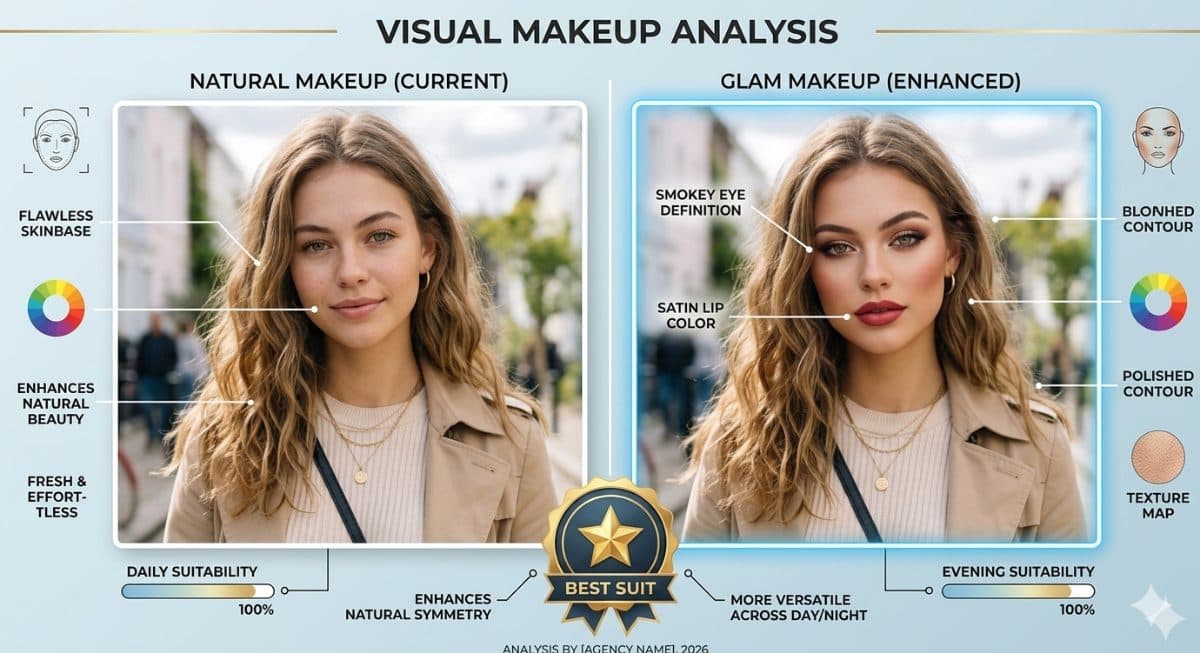
Visual Makeup Analysis Graphic Using This Prompt | Natural Makeup vs Glam Makeup Comparison
Makeup AnalysisGemini
Rehman340
5/30/2026

Create a visual makeup analysis graphic prompt using a portrait to identify skin undertone and match suitable foundation and blush colors. The design shows side-by-side comparisons in a clean layout with short labels only and a focus on natural color harmony. Ideal AI image generation prompt for beauty analysis, complexion matching, and makeup recommendation graphics.
Copy this into your preferred AI image tool.
Create a visual makeup analysis graphic using this portrait, identify undertone and match foundation and blush colors, show comparisons, short labels only
Use this Makeup Undertone Analysis Prompt – Foundation & Blush Color Match Graphic prompt when you want a clearer starting point for makeup analysis image creation. It is written for creators who need practical prompt ChatGPT or prompt Gemini wording without building the full instruction from scratch.
Continue with similar AI photo editing prompts and creative prompt ideas from the same category.
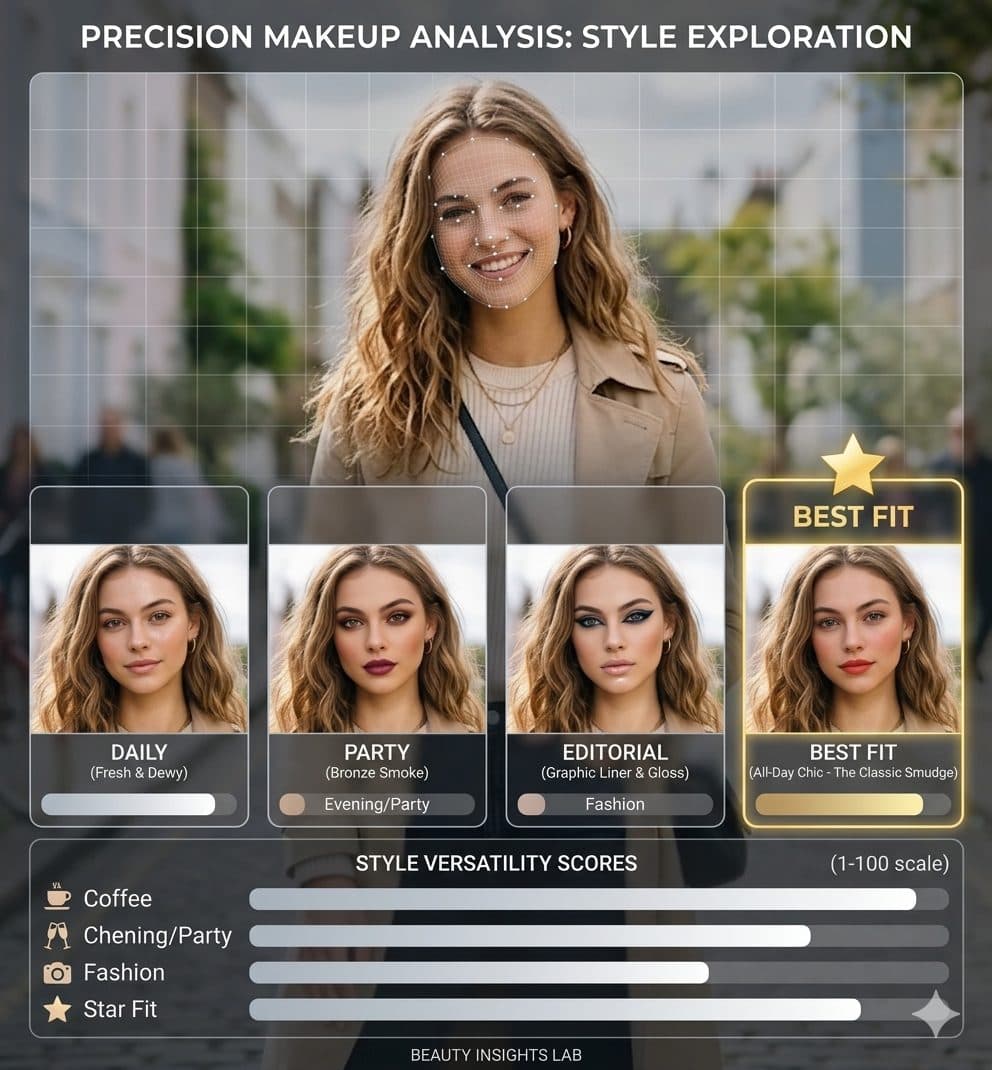
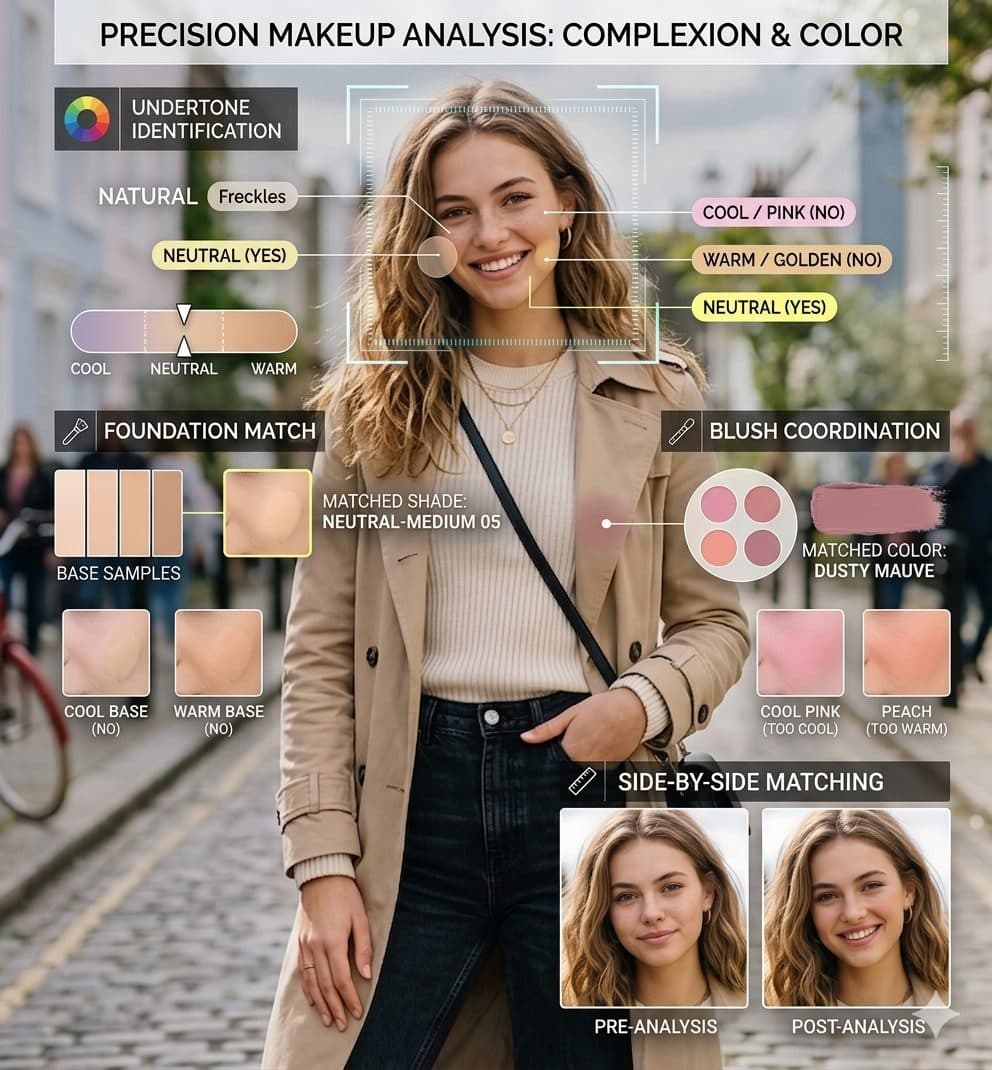
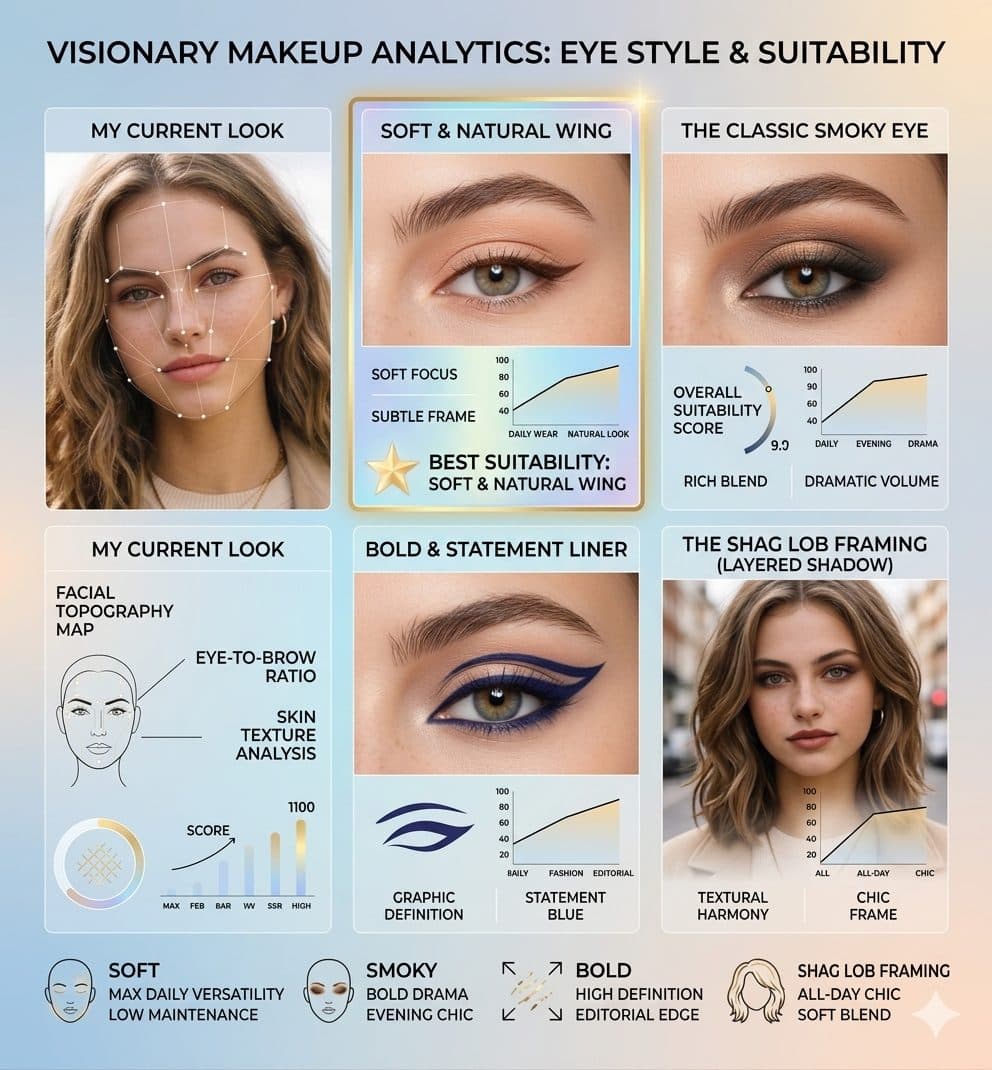
Copy the prompt, replace the personal or brand details, and run it in Gemini. Review the first result, then adjust lighting, background, or composition if needed.
Yes. Add your source image and describe the exact edit you want. Good AI photo editing prompts also explain what should remain natural and unchanged.
Most PromptMenia prompts are written to be adaptable. Gemini, ChatGPT, Midjourney, and other tools may need small wording or aspect-ratio changes.