


Hyper-realistic cinematic portrait of this person inside an old phone booth at night
PortraitsGemini
Abdul-Ahad Tariq231.3K
2/14/2026

Upload Your Image and paste this prompt
Copy this into your preferred AI image tool.
[PERSON NAME].
Act as a high-end sports graphic designer creating a conceptual tribute poster. The style is a complex "dual exposure photo-grid composite" with mixed-media textures.
CENTRAL STRUCTURE (THE VESSEL):
The central focus is a large-scale, high-contrast black and white portrait silhouette of [PERSON NAME]. This main portrait acts as the container.
THE GRID FILL & TEXTURES (MIXED MEDIA):
The interior of the silhouette is populated by a dense "photo mosaic grid" of action shots from the person's career.
CRITICAL TEXTURE INSTRUCTION: Do not just paste flat photos. Apply artistic textures to various grid cells to create a tactile, collage feel. Use effects like:
Halftone Dots: Comic-book style raster patterns on some cells.
Fabric/Embroidery: Subtle thread or canvas textures suggesting a jersey or patch.
Film Grain: Heavy noise on specific high-contrast action shots.
COLOR STRATEGY:
The base is Monochrome B&W. Use selective color overlays (relevant to the team/flag) ONLY on specific grid cells to create a rhythm.
TYPOGRAPHY & BRANDING (STRICT MICRO-SCALING):
Top Left (The Name): Write "[PERSON NAME]" strictly using the font Inter Semibold.
Kerning: Tight negative kerning (-4%).
Size: SMALL and discreet. It must occupy MAXIMUM 20% of the canvas width. Do NOT make it large or loud.
Top Right (The Symbol): Place the primary logo (Team/Brand/Flag).
Size: VERY SMALL. It must occupy MAXIMUM 10% of the canvas width.
COMPOSITION & BACKGROUND:
Background: Off-white or light grey with a visible high-quality paper or concrete texture. It should not be flat digital white.
Alignment: Center the figure perfectly. Maintain wide negative space around the object.
Use this High-end sports graphic designer creating a conceptual tribute poster prompt when you want a clearer starting point for portraits image creation. It is written for creators who need practical prompt ChatGPT or prompt Gemini wording without building the full instruction from scratch.
Continue with similar AI photo editing prompts and creative prompt ideas from the same category.
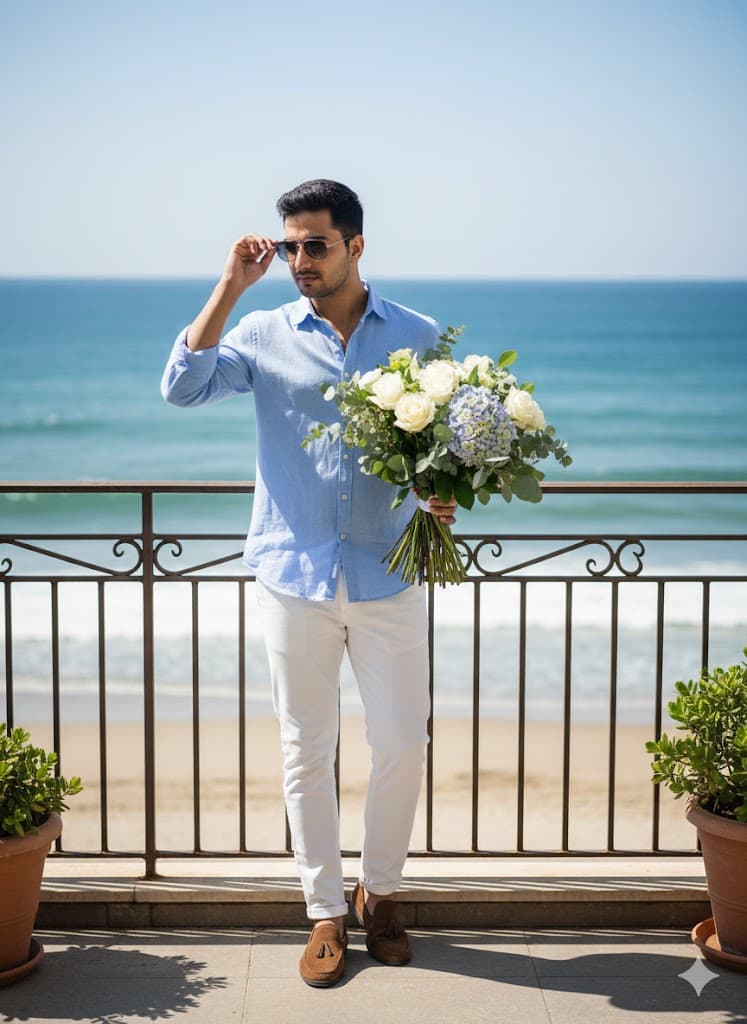


Copy the prompt, replace the personal or brand details, and run it in Gemini. Review the first result, then adjust lighting, background, or composition if needed.
Yes. Add your source image and describe the exact edit you want. Good AI photo editing prompts also explain what should remain natural and unchanged.
Most PromptMenia prompts are written to be adaptable. Gemini, ChatGPT, Midjourney, and other tools may need small wording or aspect-ratio changes.