


Hyper-realistic cinematic portrait of this person inside an old phone booth at night
PortraitsGemini
Abdul-Ahad Tariq231.3K
2/14/2026

upload your image plus prompt
Copy this into your preferred AI image tool.
A stunning night shot shows the person attached in the uploaded reference image (keep the face 100% accurate) standing on snowy ground under bright green northern lights. They smile while looking at the sky.
Aspect ratio 4:5
Use this A stunning night prompt when you want a clearer starting point for portraits image creation. It is written for creators who need practical prompt ChatGPT or prompt Gemini wording without building the full instruction from scratch.
Continue with similar AI photo editing prompts and creative prompt ideas from the same category.
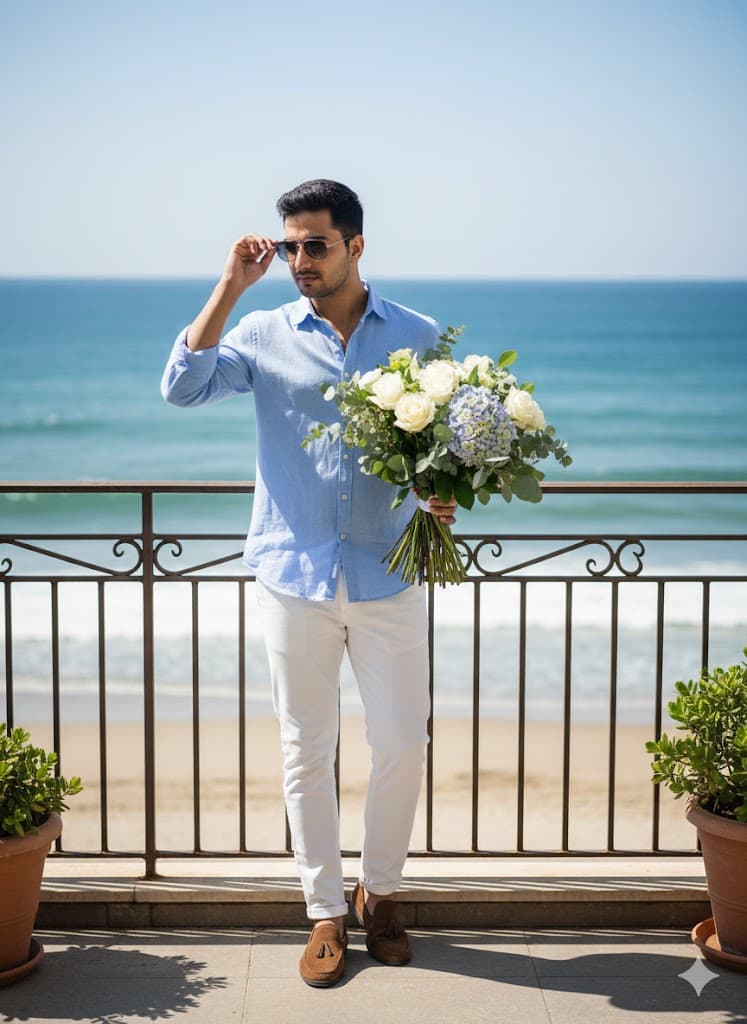


Copy the prompt, replace the personal or brand details, and run it in Gemini. Review the first result, then adjust lighting, background, or composition if needed.
Yes. Add your source image and describe the exact edit you want. Good AI photo editing prompts also explain what should remain natural and unchanged.
Most PromptMenia prompts are written to be adaptable. Gemini, ChatGPT, Midjourney, and other tools may need small wording or aspect-ratio changes.